Send SMS to Facebook Leads
Send a text message to new leads from your Facebook ads.

Unlock powerful automation by connecting your SMS Gateway Center account with Zapier, enabling seamless SMS integration with over 4500+ popular apps including Facebook, Google Workspace, Salesforce, Zoho, HubSpot, WooCommerce, and more. Easily create automated workflows (Zaps) that trigger SMS messages based on events in your favorite apps — all without any coding. Whether you want to send SMS alerts for new leads, schedule reminders, or sync inbound SMS data with spreadsheets and CRMs, SMS Gateway Center and Zapier together simplify your business communications and boost productivity.
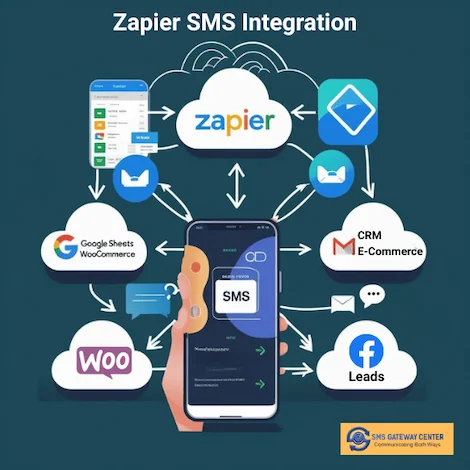
including Facebook, Google Products, Salesforce, Zoho, HubSpot, etc.,
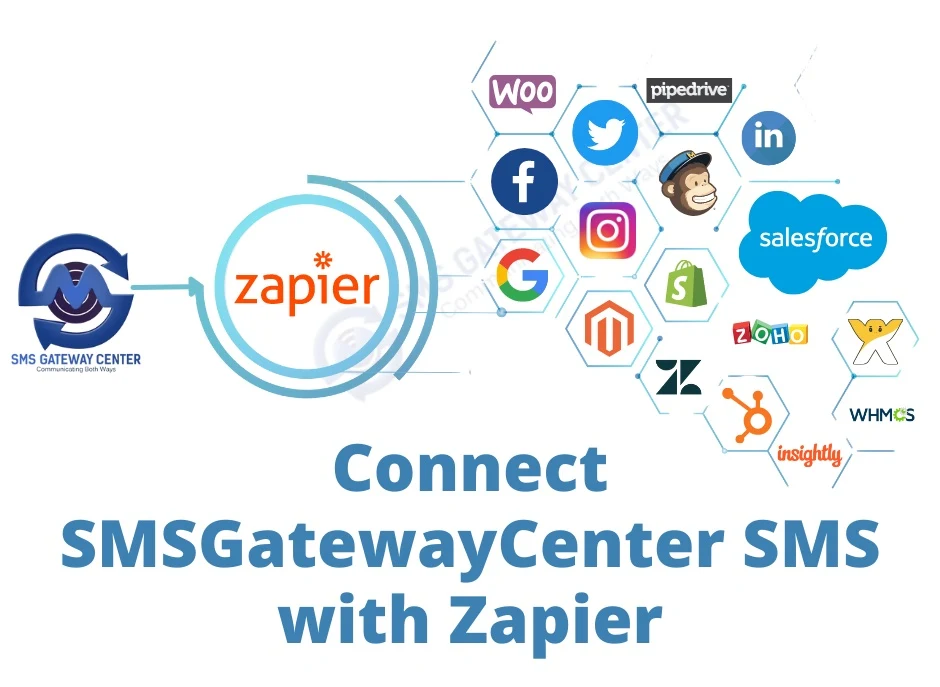
Your business must be using an application to run different tasks, whether you are using the best CRM to analyze customer activities or maintaining the Google spreadsheet to keep it updated. SMS Gateway Center has collaborated with Zapier to end the loop and incorporate our bulk SMS platform with over 4500+ web apps.
Zapier lets you connect APP to 4000+ other web services. Automated connections called Zaps, set up in minutes with no coding, can automate your day-to-day tasks and build workflows between apps that otherwise wouldn't be possible.
Each Zap has one app as the Trigger, where your information comes from and which causes one or more Actions in other apps, where your data gets sent automatically.
Talk to an ExpertMy Apps and then click Add connection.SMSGatewayCenter in the search bar and click on it from the results.SMSGatewayCenter and the action Send SMS.Publish Zap to go live!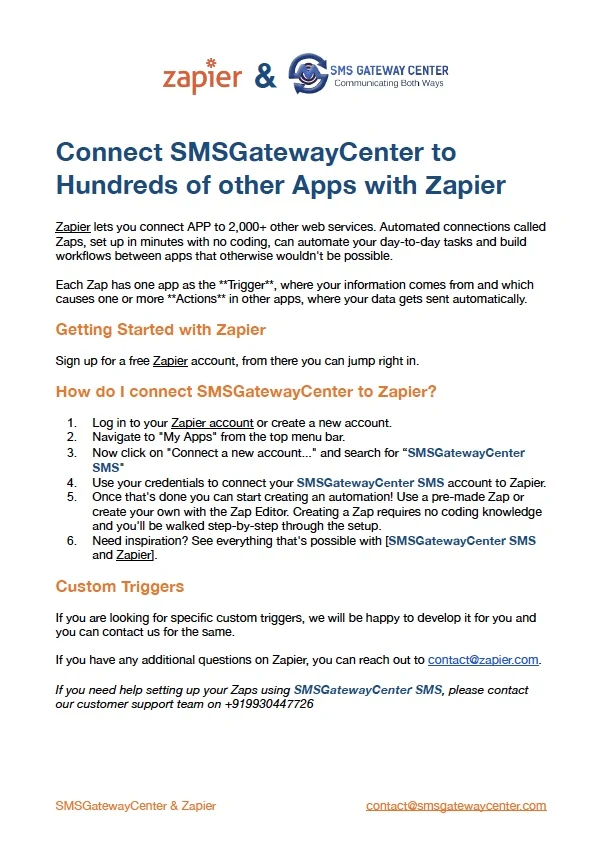
Need help building your Zaps? Contact our expert team for free setup assistance
Zapier lets you use several triggers from different apps such as Gmail, Spreadsheet, Zoho, Salesforce, Woocommerce, etc.
After using the trigger just search for the "SMSGatewayCenter SMS" app and add SMS action.
For example: If a new lead is generated on Facebook Leads, you can receive that notification for you and your sales team. In fact, you can use Zapier's schedule to send reminders.
Talk to an ExpertIf you are looking for a specific trigger from SMSGatewayCenter services, we can do it without any charges and develop that application for you.
For example: When you receive an Inbound SMS using Longcode/shortcode, we can send that data to Zapier then you can perform an action and save it to Mailchimp, Spreadsheets, etc.
Send a text message to new leads from your Facebook ads.
Get notified when new stuff happens on Google's Spreadsheets, Gmail, Calendar.
Send SMS notifications to WordPress based CRMs, E-Commerce plugins.
Get SMS alerts when you receive new emails matching specific filters or labels in Gmail.
Send instant SMS confirmations to customers and admins when new orders are placed on your store.
Notify your team or customers when deals, tasks, or leads are updated in CRMs like Zoho, HubSpot, or Salesforce.
Following these best practices ensures your SMSGatewayCenter + Zapier integration runs efficiently, delivers reliably, and maintains full compliance with telecom regulations.
Real success stories from our users leveraging Zapier and SMSGatewayCenter integrations.

E-Commerce Marketing Head, ShopSmart
“Using Zapier and SMSGatewayCenter, we reduced e‑commerce cart abandonment by 20% with timely SMS reminders. The integration was seamless and delivered immediate ROI.”
Result: 20% Cart Recovery BoostZapier SMS Integration with SMSGatewayCenter allows you to send automated SMS messages triggered by 4500+ connected apps like Google Sheets, Facebook Leads, WordPress, and CRMs—without any coding.
No, Zapier is a no-code automation platform. You can easily create workflows (called Zaps) that send SMS using SMSGatewayCenter without writing a single line of code.
You can integrate with over 4500+ apps such as Google Sheets, Gmail, Facebook Leads, Slack, HubSpot, Zoho CRM, WordPress, and many more.
Yes, you can fully customize SMS content using dynamic fields and variables from the source app (e.g., customer name, order ID, email).
Create a free Zapier account, connect your desired app, select SMSGatewayCenter as the action app, and follow the prompts to configure your API and SMS content.
Yes, Zapier offers both free and paid plans based on usage. You’ll also need an active SMSGatewayCenter account with credits to send SMS.
