
WordPress SMS Plugin - Bulk SMS Sender for WordPress Sites
Transform your WordPress website into a powerful bulk SMS marketing platform with our official SMS Gateway Center WordPress plugin. Send unlimited SMS messages directly from your WordPress dashboard with enterprise-grade reliability and DLT compliance.
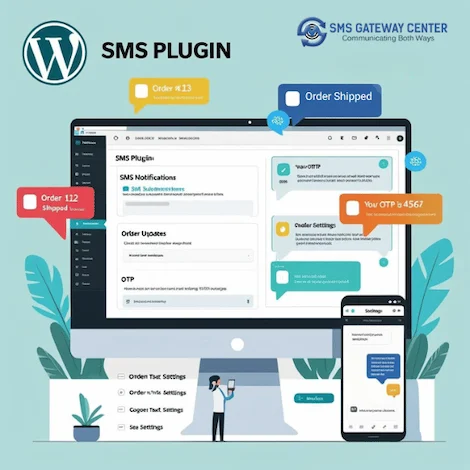
WordPress SMS Gateway Plugin - Complete SMS Solution
The official SMS Gateway Center WordPress plugin enables you to send bulk SMS messages, manage contacts, track delivery reports, and monitor your SMS balance directly from your WordPress admin panel. Perfect for businesses, marketers, and developers who need reliable SMS functionality integrated into their WordPress websites.
Download SMS WordPress PluginWordPress SMS Plugin Features
Bulk SMS Sending
Send SMS to up to 2000 recipients simultaneously with comma-separated mobile numbers. Support for both Unicode and Text SMS messages with automatic character counting.
Group SMS Management
Create unlimited subscriber groups and send targeted SMS campaigns. Import contacts from SMS Gateway Center portal or create local groups within WordPress.
Advanced Reporting
Comprehensive SMS delivery reports, incoming SMS tracking, and credit summary reports. Monitor campaign performance and account status in real-time.
DLT Compliance
Full DLT template support for Indian SMS regulations. Automatic template ID assignment and compliance monitoring for legal SMS sending.
International SMS
Send SMS to any country worldwide with international routing support. Multi-language Unicode SMS support for global reach.
Easy Configuration
Simple WordPress plugin setup with one-click installation. Secure authentication with SMS Gateway Center API integration.
WordPress SMS Plugin Installation Guide
1 Automatic Installation (Recommended)
- Log in to your WordPress admin dashboard
- Navigate to Plugins → Add New
- Search for "SMS Gateway Center Bulk SMS Sender"
- Click "Install Now" and then "Activate"
- Go to SGCSMS → Settings menu
- Enter your SMS Gateway Center username and password
- Configure default sender name and routing options
- Start sending SMS from SGCSMS → Send Bulk SMS
2 Manual Installation
- Download the plugin ZIP file from WordPress.org
- Upload the
sms-gateway-center-bulk-sms-senderfolder to/wp-content/plugins/ - Activate the plugin from WordPress admin
- Configure settings with your SMS Gateway Center credentials
- Begin sending bulk SMS messages
3 System Requirements
- WordPress Version: 5.0 or higher
- PHP Version: 5.6 or higher
- Active SMS Gateway Center Account
- Internet Connection for API communication
WordPress SMS Plugin Screenshots
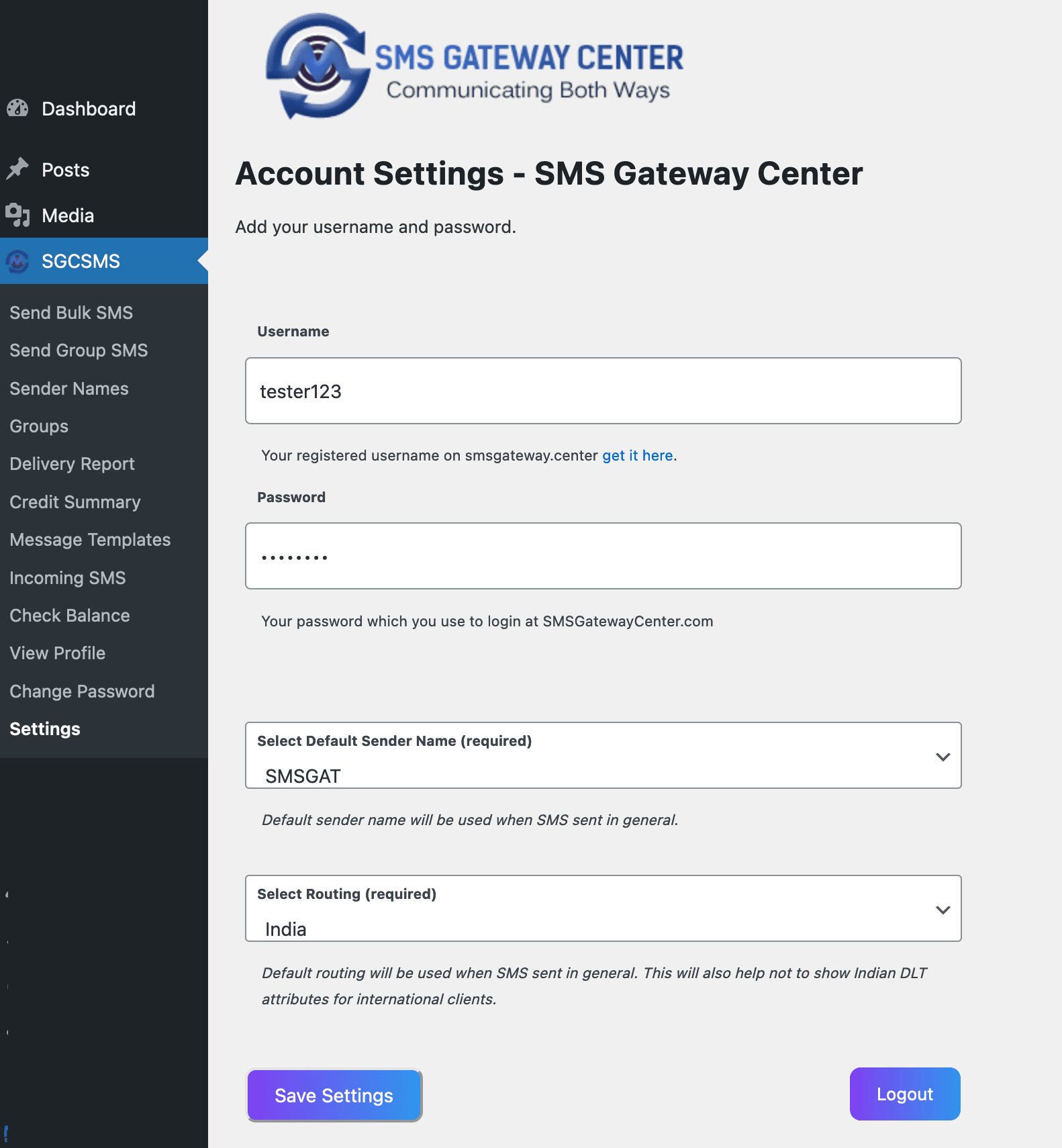
Login Credentials and Settings
Configure your SMS Gateway Center credentials and default settings
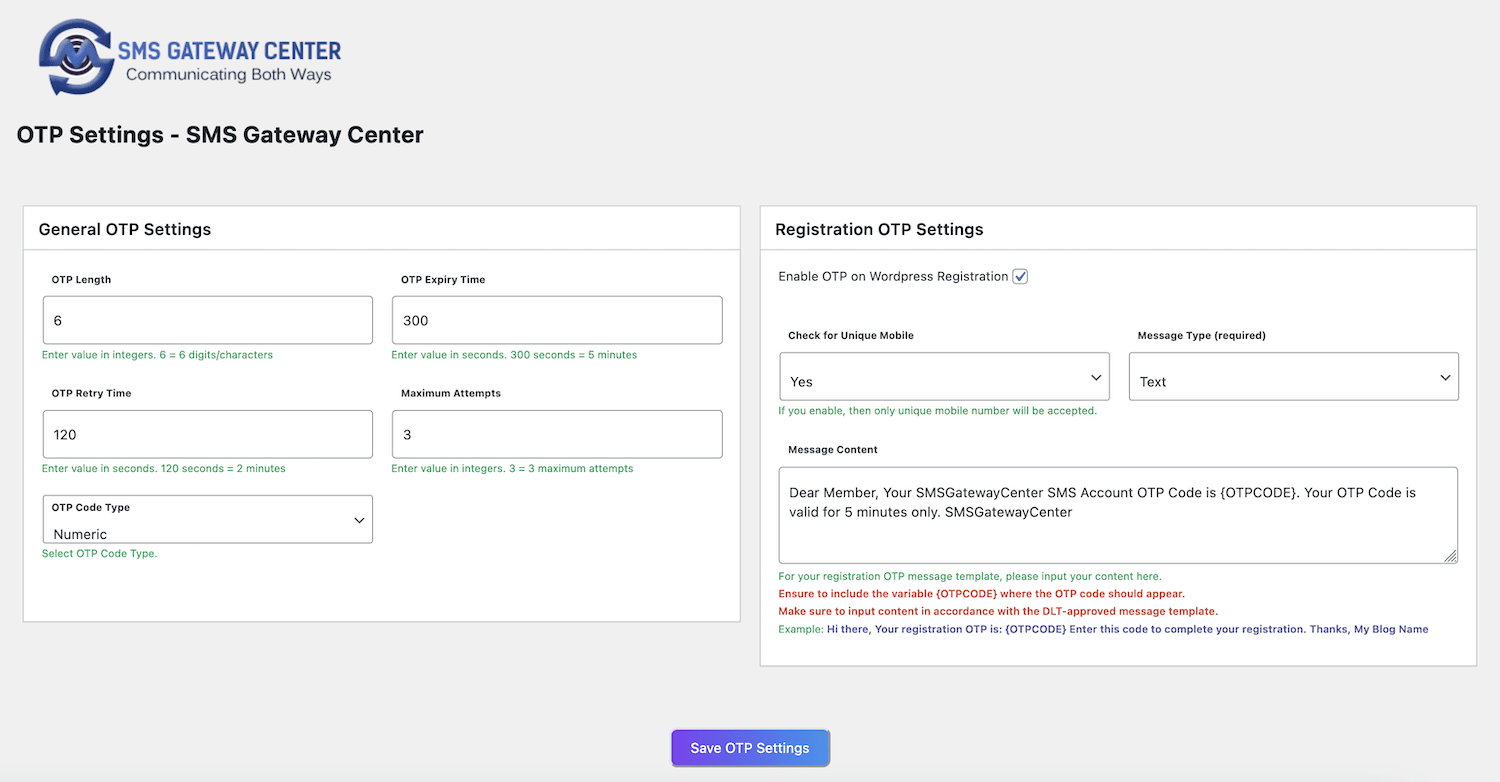
OTP Settings
Configure OTP functionality for WordPress authentication
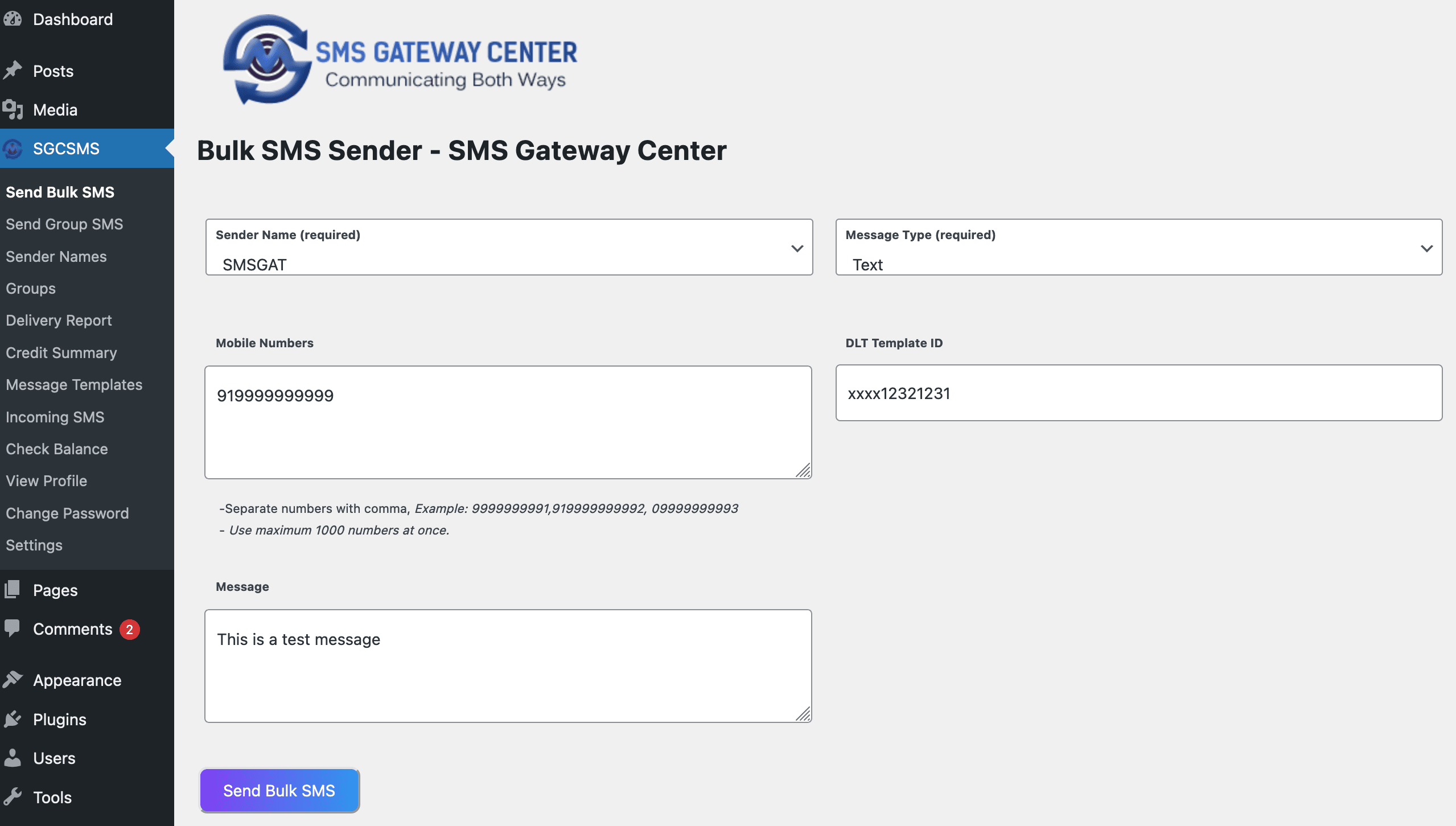
Send Bulk SMS
Send targeted bulk SMS campaigns in bulk
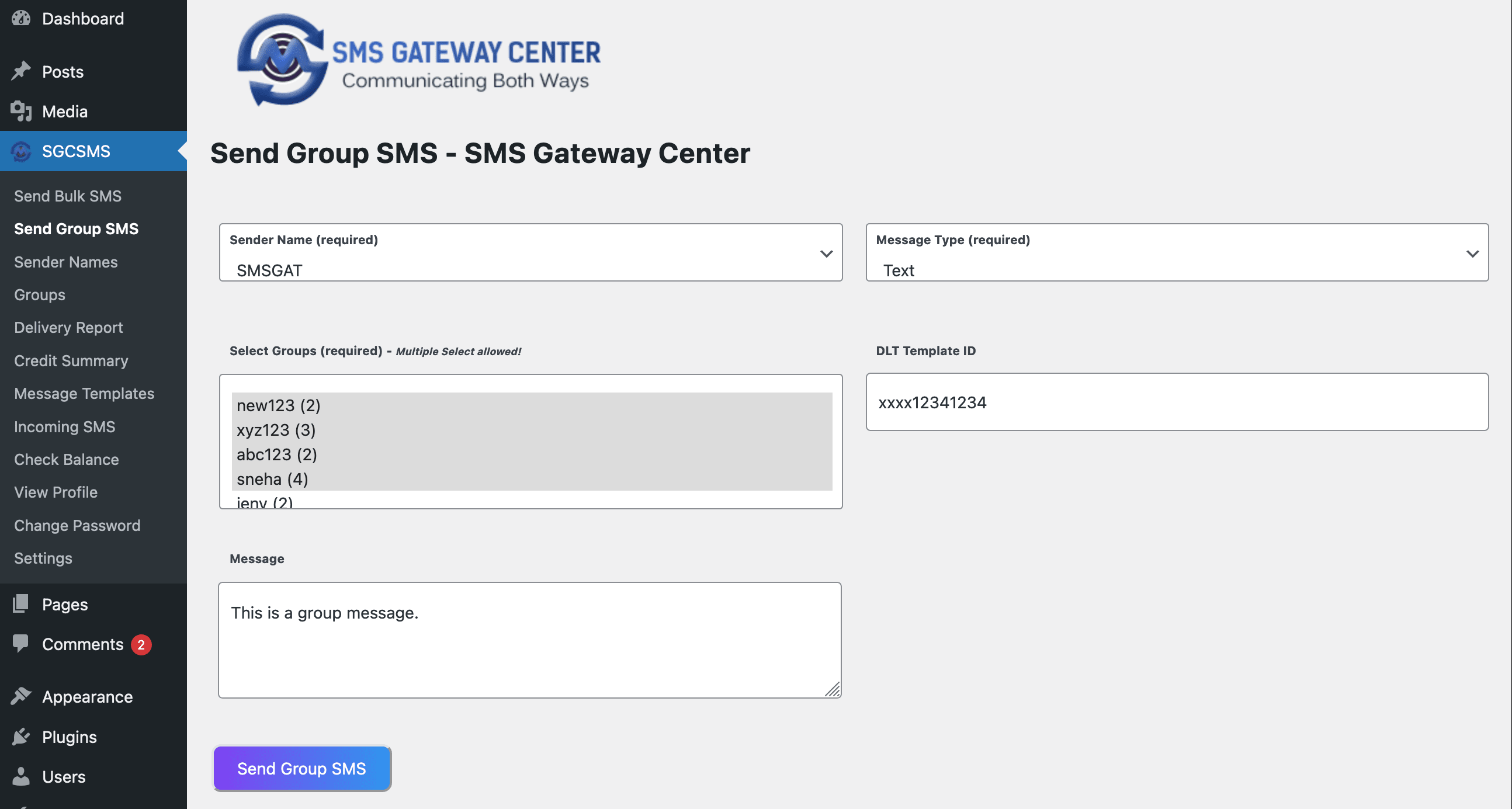
Send Group SMS
Send targeted SMS campaigns to your saved contact groups
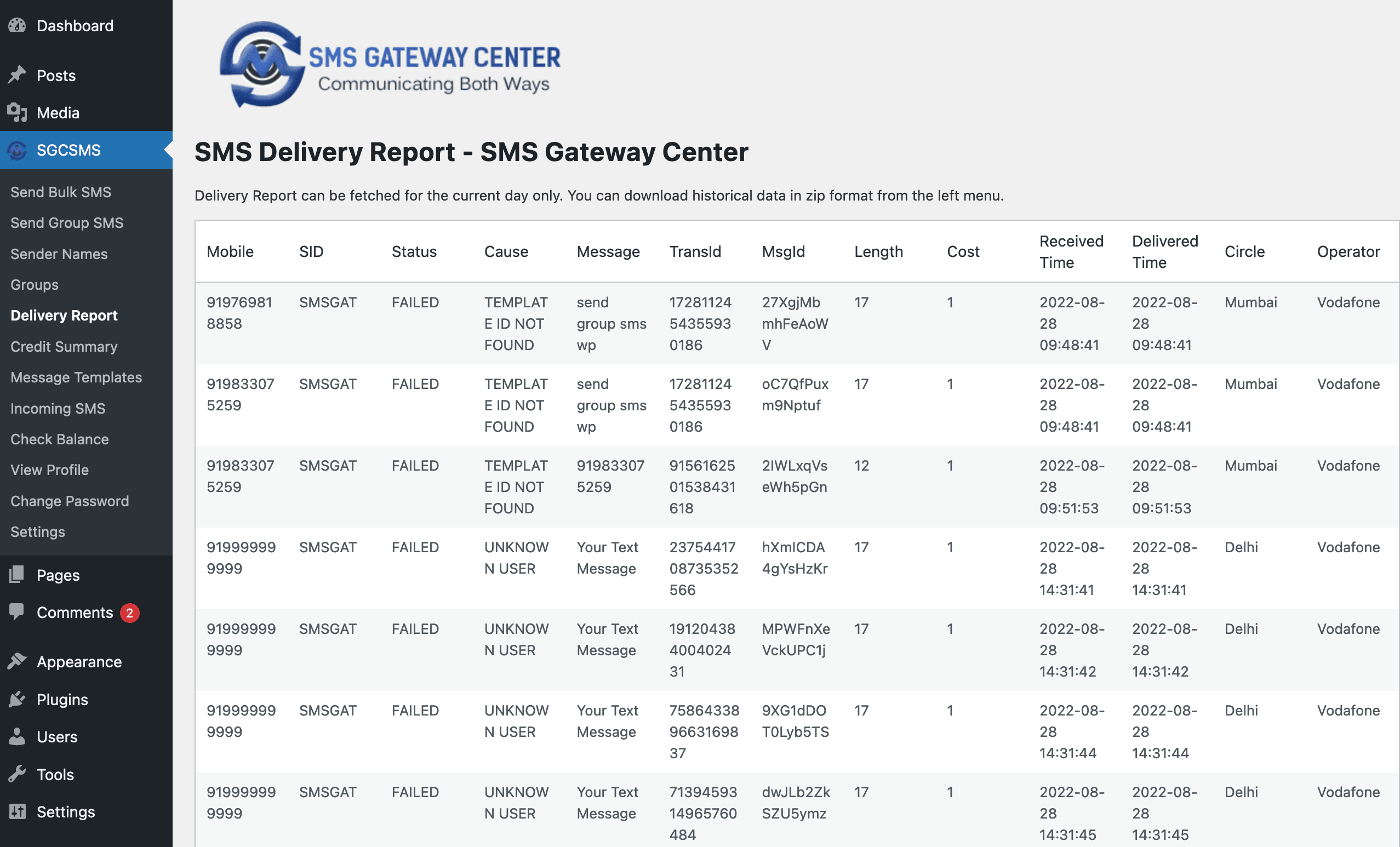
Delivery Report
Track SMS delivery status and campaign performance
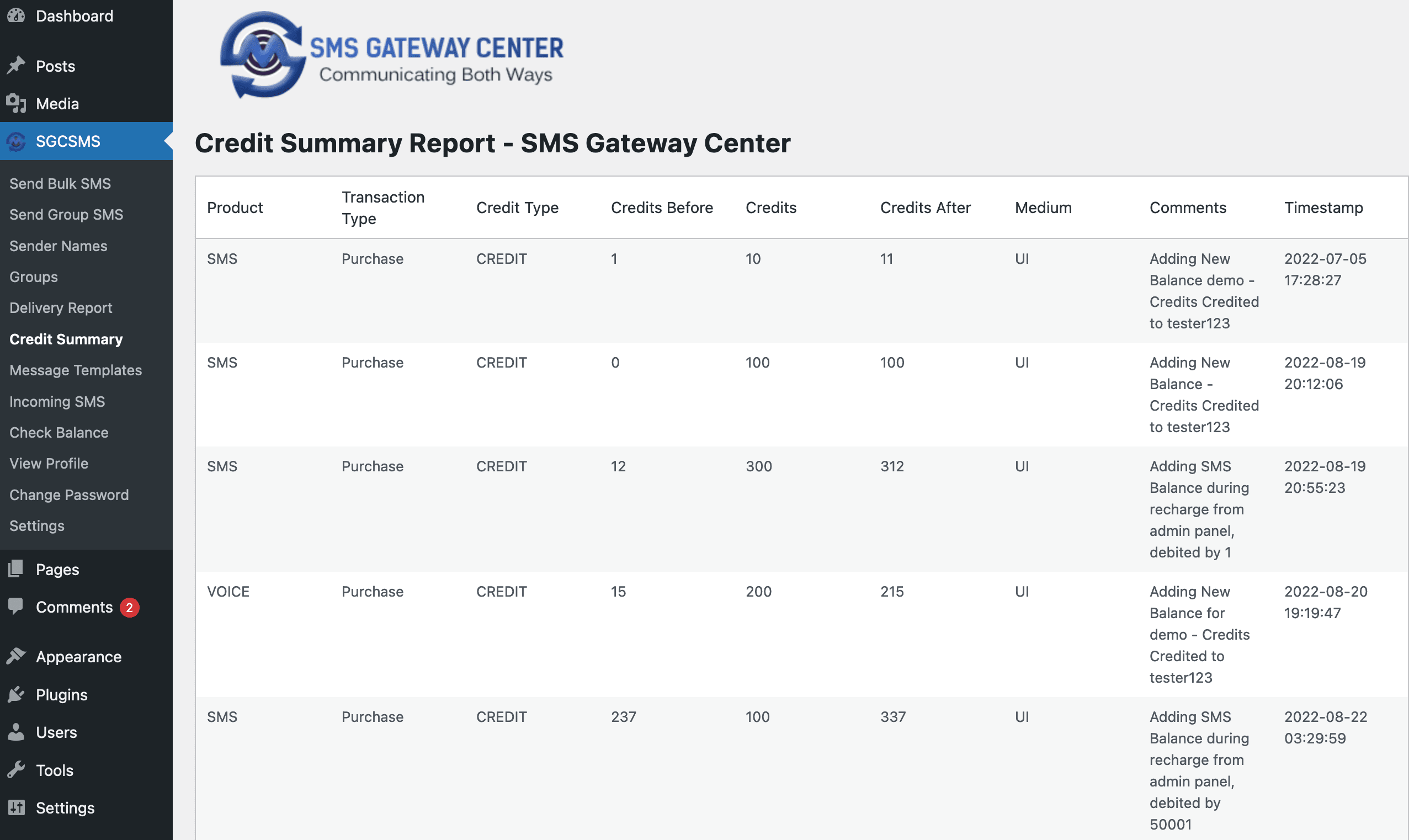
Credit Summary
Monitor your SMS balance and transaction history
Click on any screenshot to view full size image
WordPress SMS Plugin - Detailed Features
Bulk SMS Capabilities
- Send SMS to up to 2000 recipients in single campaign
- Comma-separated mobile number support
- Unicode SMS for multiple languages
- Flash SMS support for urgent messages
- Automatic character counting and message splitting
Contact Management
- Create unlimited subscriber groups
- Import contacts from SMS Gateway Center portal
- Local contact management within WordPress
- Group-based SMS campaigns
- Contact import/export functionality
Advanced Reporting
- Real-time SMS delivery reports
- Incoming SMS tracking and management
- Credit summary and transaction history
- 30-day report retrieval with 1-year archival
- Export reports in multiple formats
DLT & Compliance
- Full DLT template support for India
- Automatic template ID assignment
- Compliance monitoring and validation
- Sender ID management and approval
- Google Verified SMS support