
SGC Connect for WordPress: SMS, WhatsApp, RCS & Voice Notifications
One plugin connects your WordPress site to your SMSGatewayCenter account and sends automatic messages from the plugins you already run. Pick the events, choose the channels, and let channel fallback make sure the message lands.
What is SGC Connect?
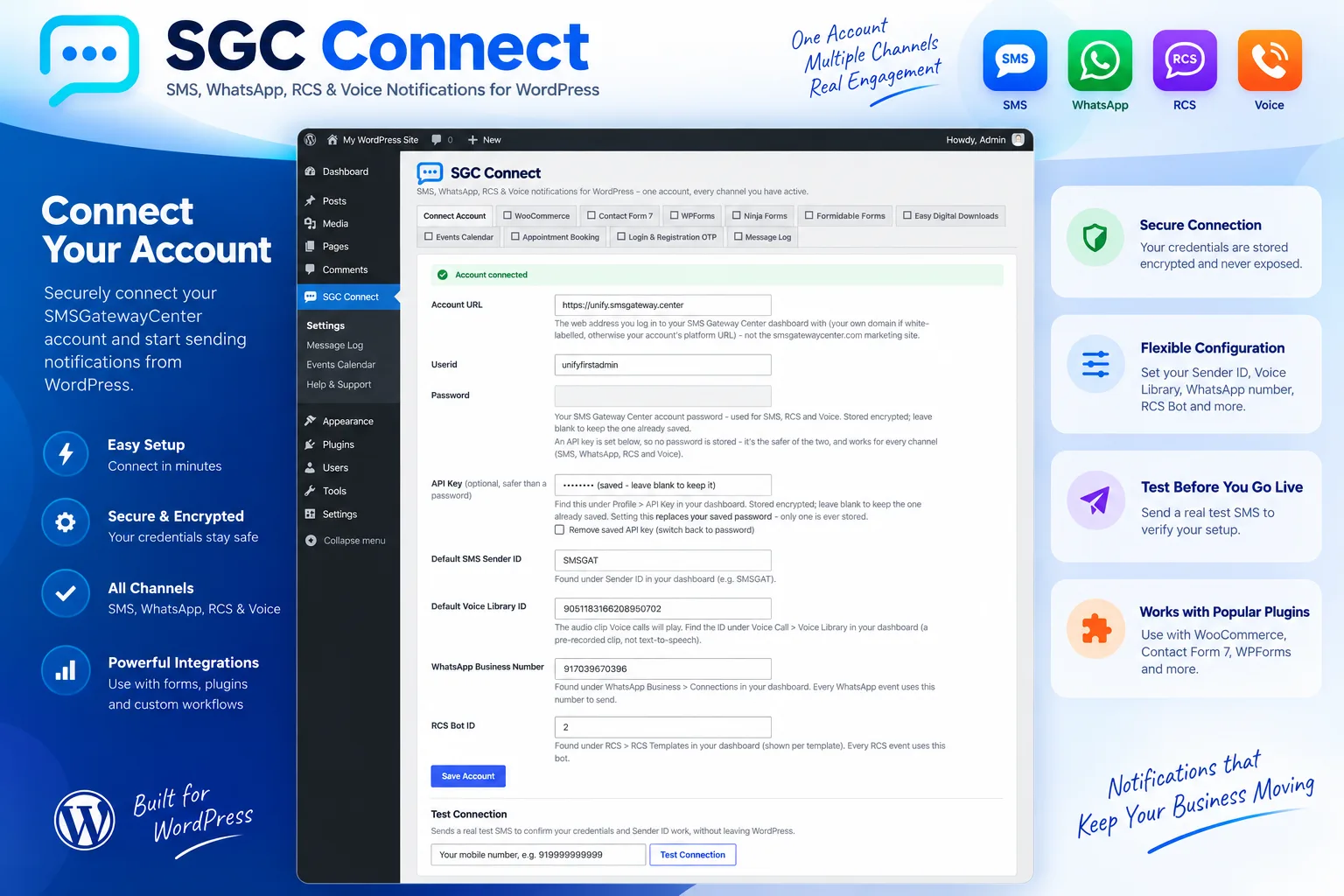
SGC Connect is the official WordPress plugin for SMSGatewayCenter. It replaces a pile of single purpose SMS add-ons with one lightweight hub. Each integration appears as its own settings tab only when the matching plugin is active on your site, so a WooCommerce only store never sees a Gravity Forms tab.
For every event you choose one or more channels, pick a template that is already approved in your SMSGatewayCenter account, and fill in its variables with simple placeholder tokens. A built in Message Log shows every send and its result without leaving WordPress.
- Four channels: SMS, WhatsApp, RCS and Voice from one account.
- Automatic fallback: if the first channel fails, the next one you ticked is tried.
- Live templates: approved templates, senders and voice clips are loaded straight from your account.
- Lightweight by design: code for integrations you do not use is never loaded.
- Encrypted credentials: your API key or password is stored encrypted and sent only to your account URL.
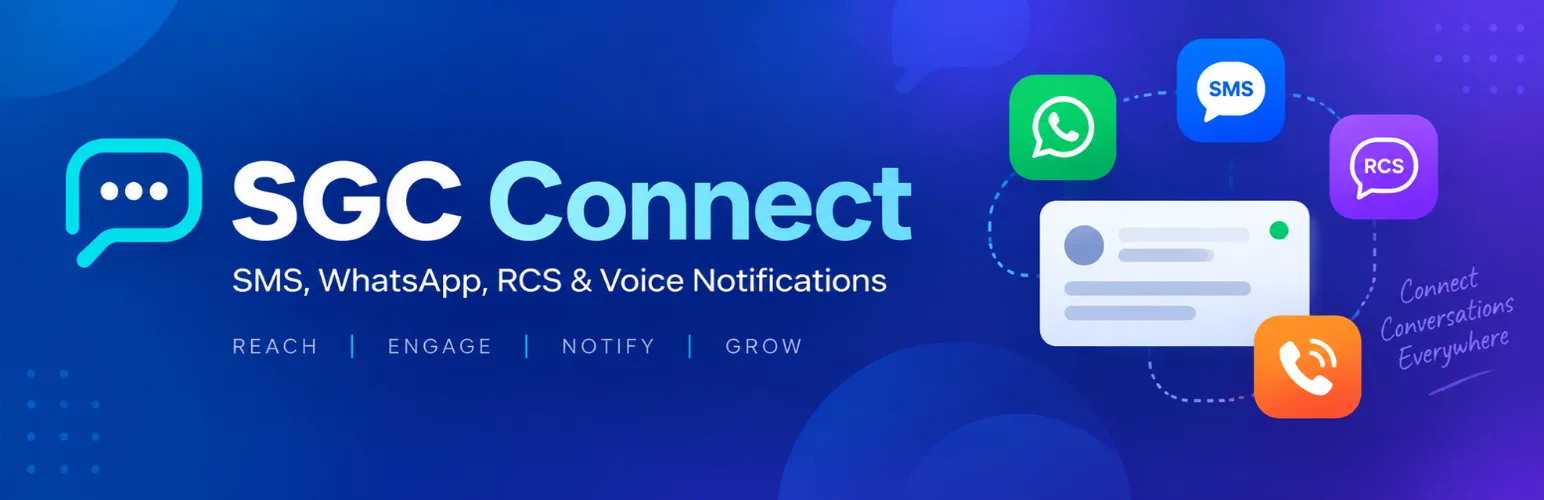
Choose your integration
Each module has its own page with the events it triggers, the placeholder tokens it supports and a step by step setup guide.
WooCommerce
Order status messages and abandoned cart reminders on SMS, WhatsApp, RCS and Voice.
See how it worksEasy Digital Downloads
Order, completion, refund and failed payment messages for digital stores.
See how it worksThe Events Calendar & Event Tickets
RSVP confirmations and event starting soon reminders.
See how it worksAppointment Booking
Booked, cancelled and starting soon messages for Simply Schedule Appointments.
See how it worksWordPress Login & Registration OTP
Verify mobile numbers at signup and add a one time code to login.
See how it worksHow SGC Connect works
Install
Add SGC Connect from Plugins, Add New, or download it from WordPress.org and activate it.
Connect your account
Enter your SMSGatewayCenter account URL, userid and API key or password, then press Test Connection to send yourself a real test message.
Pick events and channels
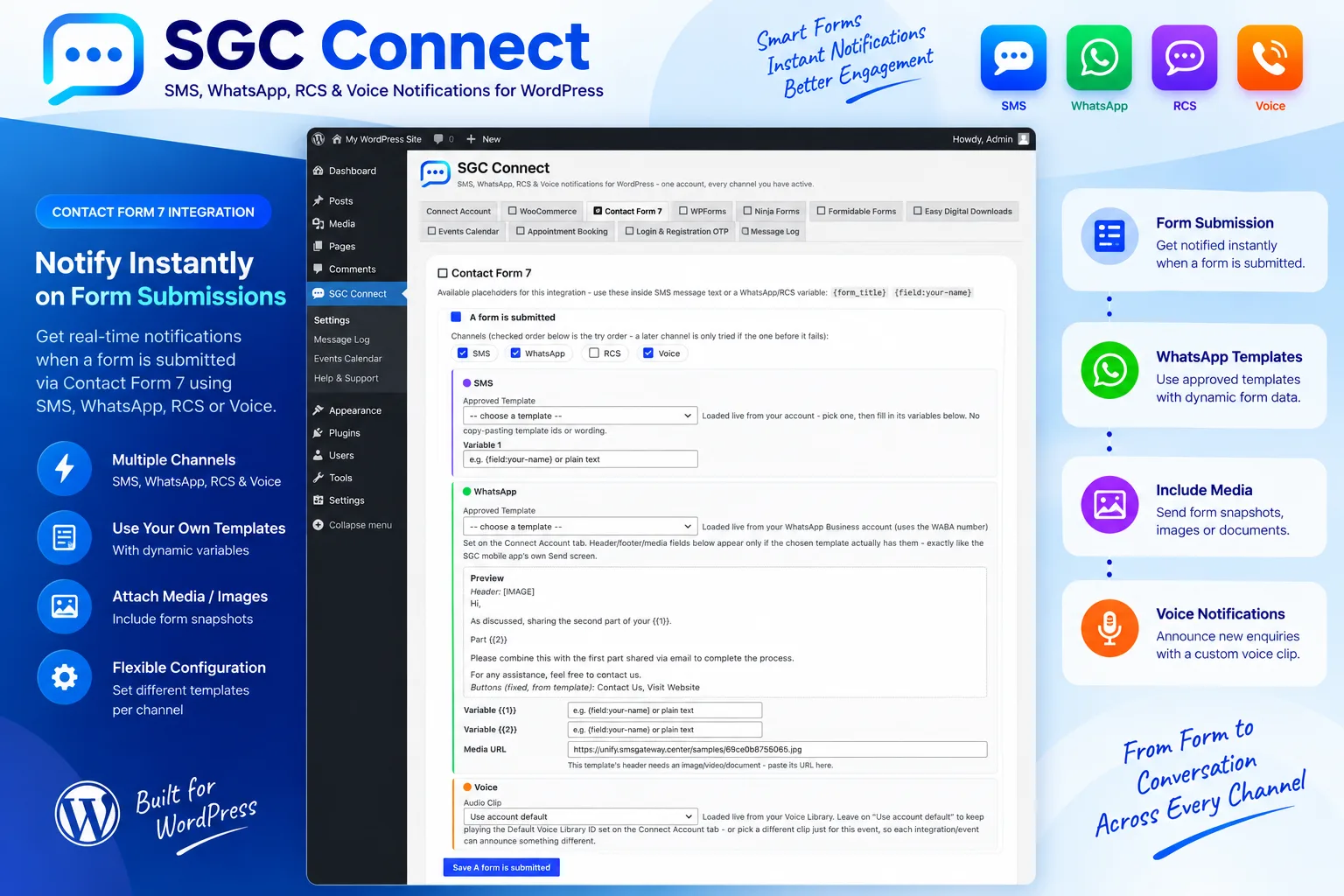
Open the tab for the plugin you use, switch on an event, tick SMS, WhatsApp, RCS or Voice, and choose an approved template.
Send and monitor
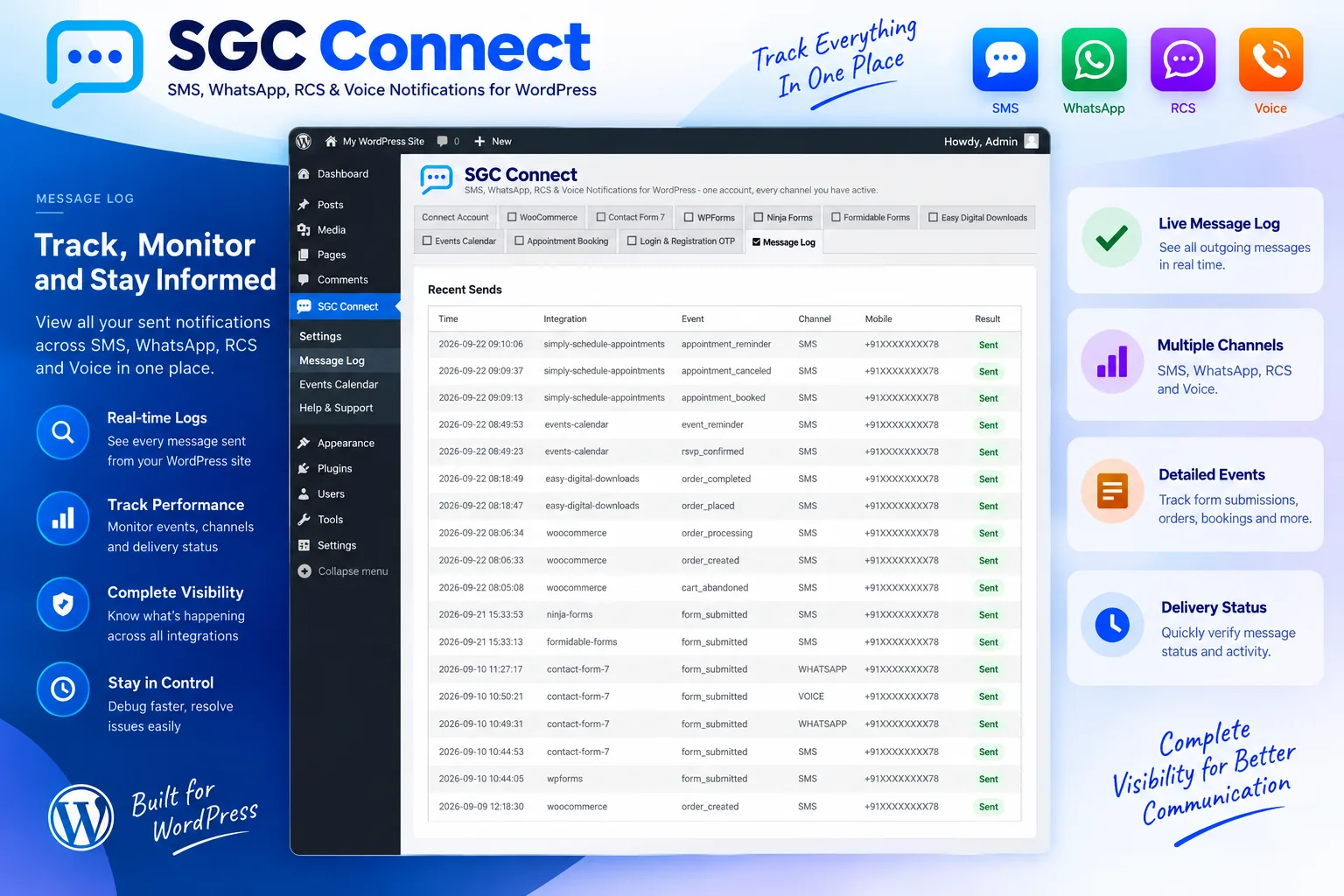
Every matching event now sends automatically. The Message Log lists each attempt, its channel and its result.
Four channels with built in fallback
Tick the channels you want on any event and they are tried in the order shown. A later channel is attempted only when the earlier one fails, so a WhatsApp message to a customer who is not on WhatsApp still reaches them by SMS.
- SMS: DLT compliant templates for India, with the template details carried along automatically.
- WhatsApp: Meta approved templates with variables, media headers and buttons from your WhatsApp Business number.
- RCS: rich messages from your configured RCS bot.
- Voice: pre recorded clips from your Voice Library.
Know exactly what was sent
The Message Log lists every attempt with its event, channel and result. Hovering a Failed badge shows the reason, and the log makes it easy to tell whether an event was switched off, no template was chosen or no phone number was available.
For developers and agencies, SGC Connect sits on top of the same SMSGatewayCenter platform that exposes SMS, WhatsApp, RCS and Voice through the developer API, so the messages you send from WordPress share templates, sender IDs and reports with the rest of your messaging.
Frequently Asked Questions about SGC Connect
SMS, WhatsApp, RCS and Voice. For every event you tick one or more channels, and they are tried in the order shown, moving to the next channel only when the previous one fails.
Yes. The plugin is a connector, so it sends through your own SMSGatewayCenter account. Your userid, password or API key are found under the Profile page of your account, and your approved SMS, WhatsApp and RCS templates are loaded live into the plugin.
No. Templates are chosen from a dropdown loaded from your account, and the plugin shows a field for every template variable. For SMS in India the DLT template details travel with the template you choose.
Open SGC Connect, then Message Log. Every attempt is listed with its channel and result, and hovering a Failed badge shows the reason. Final handset delivery is reported in your SMSGatewayCenter dashboard reports.
Include the country code, for example 919812345678 or +919812345678. Spaces, dashes and brackets are stripped automatically.
The plugin itself is free from WordPress.org. Messages are charged against your SMSGatewayCenter account balance like any other message you send.