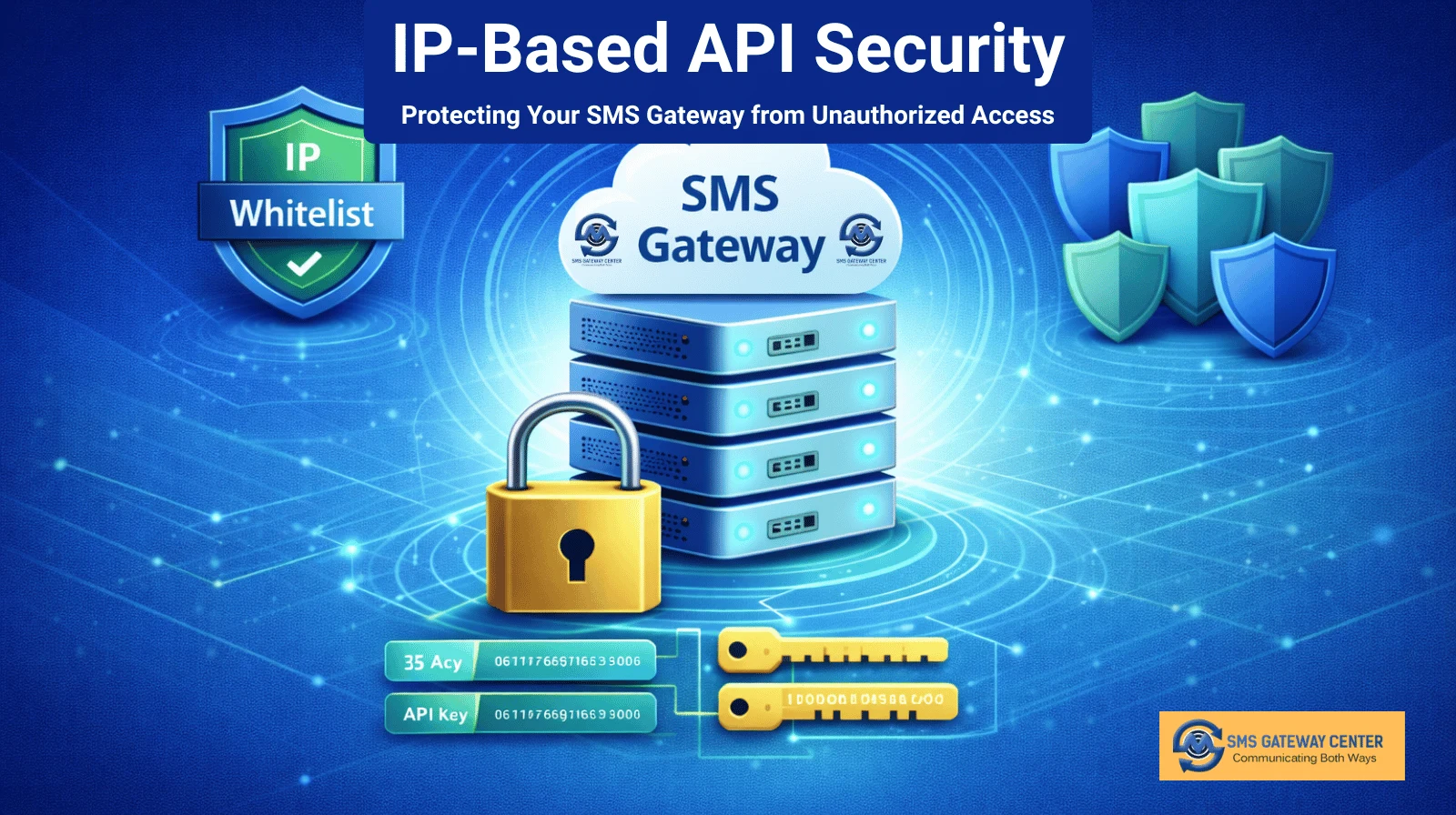
This article covers how to think about API security implementation, practical IP whitelisting strategies, and how strong security practices help build and maintain customer trust. Whether you use our Group SMS API for transactional SMS, promotional campaigns, or OTP and verification, these principles apply.
Why API Security Matters for SMS Gateways
SMS APIs are used to send messages, check balance, pull reports, and manage contacts. Each request carries account identity (userid, password, or API key). If an attacker obtains these credentials, they can send messages from your account, drain credits, or trigger DLT and compliance issues. The impact goes beyond cost: misuse can lead to blacklisting, blocked sender IDs, and loss of trust with carriers and customers.
IP-based security does not replace authentication (Basic Auth, Bearer Token, or API key). It complements it. Even with strong passwords and secure API keys, restricting access by IP ensures that only your known servers or applications can use the API. Stolen credentials from a different IP are rejected, limiting the blast radius of a breach.
API Security Implementation: Layers That Work Together
Effective API security for an SMS gateway is built in layers: authentication, authorization, and access control. IP whitelisting fits into the access control layer.
1. Strong Authentication
Authentication proves who is calling the API. Common methods include:
User ID and Password:
Credentials sent with each request (e.g. in POST body or query). Passwords should be complex, stored securely, and never logged or exposed in client-side code. For developer API integration, prefer server-side use only.
API Key:
A long, random key tied to the account, often sent in an HTTP header. API keys are easier to rotate than passwords and can be scoped or revoked without changing the user password. Many providers, including SMS Gateway Center, support API key authentication as an alternative to userid and password.
Token-Based (e.g. Bearer):
A short-lived token obtained via a login or token endpoint, then sent as a Bearer token. Tokens expire, which limits the damage if one is leaked.
Implement authentication on every API request. Do not skip it for “internal” or “test” endpoints in production.
2. HTTPS Only
All API traffic should use HTTPS. This protects credentials and message content in transit. Enforce TLS 1.2 or higher and avoid mixed content or downgrade. Most SMS gateway and bulk SMS providers offer HTTPS endpoints by default; ensure your integration never falls back to HTTP.
3. IP Whitelisting as Access Control
After the client has authenticated, the server can check whether the request comes from an allowed IP or range. This is IP whitelisting. Only requests from whitelisted IPs are processed; all others are rejected with a 403 or similar, even if the credentials are valid. This way, leaked credentials cannot be used from arbitrary locations.
Implementation is typically done on the provider side: you register the IP addresses of your application or server in the control panel, and the provider enforces the list at the gateway. From your side, you need to know which IPs your application uses (single server, load balancer, or egress IPs from a cloud or hosting provider) and keep that list updated when infrastructure changes.
IP Whitelisting Strategies
IP whitelisting is simple in concept but needs a clear strategy so it remains effective and manageable.
Identify All Call Sources
List every system that will call the SMS API: production app servers, staging or UAT servers, cron jobs, queue workers, serverless functions, or third-party middleware. Each may have a different outbound IP. Document them and decide which must be allowed. For example, you might allow production and one staging IP, but not developer laptops, to reduce risk while keeping operations smooth.
Use Static or Predictable IPs Where Possible
Dynamic IPs change over time. If your API provider only supports single IPs or small ranges, prefer:
- Dedicated servers or VMs with static IPs
- Load balancers or NAT gateways with fixed egress IPs
- Cloud “static IP” or “reserved IP” features for serverless or PaaS
Then whitelist those IPs. This avoids frequent whitelist updates and reduces the chance of locking yourself out after an IP change.
Whitelist Ranges When Allowed
Some providers allow CIDR ranges (e.g. 203.0.113.0/24). Ranges are useful for:
- Multiple app servers behind one NAT
- A cloud region where outbound IPs fall in a known block
Keep ranges as small as possible. Avoid whitelisting entire regions or huge blocks; that weakens the benefit of IP restriction.
Document and Review Regularly
Maintain a simple list: which IP or range is whitelisted, which environment or service uses it, and who requested it. Review this list when you add or retire servers, change hosting, or onboard new applications. Remove IPs that are no longer in use so the whitelist stays minimal and accurate.
Handle Failures and Monitoring
When IP whitelisting is enabled, requests from non-whitelisted IPs fail even with valid credentials. To avoid confusion:
- Log 403 or “IP not allowed” responses clearly in your application
- Set up alerts when send attempts fail due to IP
- Document the whitelist and how to add IPs so support or DevOps can fix issues quickly
This reduces false alarms and speeds up resolution when something changes (e.g. new server, new cloud region).
Building Customer Trust Through Security
Security is not only technical; it affects how customers and partners perceive your brand. When you use an SMS gateway for transactional SMS, promotional SMS, or OTP and verification, you are handling their data and their communication. Demonstrating that you take API security seriously builds trust.
Transparency About Security Measures
Explain in simple terms what you do: HTTPS only, strong authentication, optional IP whitelisting, and how credentials are stored (e.g. server-side, encrypted, not in front-end code). Short security or compliance pages, or a line in your contact or support section, can reassure enterprise and compliance-focused customers.
Responding to Incidents
If credentials are compromised or you detect unusual API usage, have a clear process: revoke or rotate keys, check logs, and (if applicable) notify the provider. Showing that you have a response plan reinforces that security is taken seriously.
Compliance and Audits
Many industries require evidence of access control and secure handling of communication data. IP whitelisting, authentication practices, and logging support audits and questionnaires. Documenting these practices makes it easier to answer security and compliance questions from customers and regulators.
Practical Checklist for SMS API Security
- Authentication: Use userid/password or API key on every request; prefer API key or token where possible.
- HTTPS: Use only HTTPS for API calls; do not log or expose credentials.
- IP whitelisting: Enable it if your SMS API or reseller gateway supports it; register only the IPs or ranges you need.
- Credentials: Store credentials in a secure vault or env; rotate keys periodically; never commit them to code.
- Monitoring: Log API errors and failed auth; alert on unusual volume or 403s from valid-looking sources.
- Documentation: Keep a list of whitelisted IPs and who uses them; review when infrastructure changes.
Conclusion
IP-based API security, combined with strong authentication and HTTPS, significantly reduces the risk of unauthorized use of your SMS gateway or bulk SMS API. Implementing IP whitelisting with a clear strategy (known sources, static IPs, small ranges, and regular review) keeps the API both secure and manageable. When you communicate these practices to customers and partners, you also build trust and make it easier to meet compliance and audit requirements.
For details on API authentication, SMS API, or IP whitelisting for resellers, visit our developer API section or contact our team.
Recent Articles
Important Regulatory Update: Mandatory Variable Tagging for DLT SMS Templates
Group SMS Campaigns: Maximizing Engagement Through Targeted Messaging
NCPR Scrubbing & Spam Filtering: Staying Compliant in India’s SMS Ecosystem
Bulk SMS File Upload: Supporting Multiple Formats for Maximum Flexibility