
To whitelist extra mobile numbers for sandbox testing:
- Log in to the Reseller Panel.
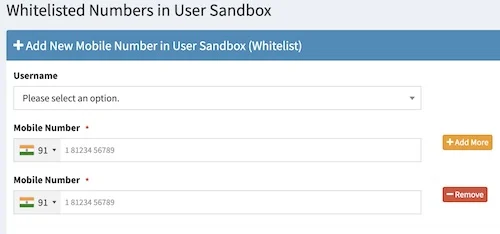
- Navigate to SMS Sandbox Numbers to view all currently whitelisted numbers.
- Click Add and enter the new mobile number to whitelist it.
Important Notes #
- Automatic Whitelisting: By default, a user’s registered mobile number is automatically whitelisted.
- Data Removal: If a user deactivates the sandbox feature, all related data, such as sender names and whitelisted numbers, will be purged from the database.
⚠️ Note: You can only add numbers up to the limit defined in Maximum Permissible Sandbox Mobile Numbers (configured during setup).
Found this useful?Add as Preferred Source on Google